---
title: Scores via UI
description: Annotate traces and observations with scores in the Langfuse UI to record human-in-the-loop evaluations.
sidebarTitle: Scores via UI
---
# Manual Scores via UI
Adding [scores](/docs/evaluation/scores/overview) via the UI is a manual [evaluation method](/docs/evaluation/core-concepts#evaluation-methods). It is used to collaboratively annotate traces, sessions and observations with evaluation scores.
You can also use [Annotation Queues](/docs/evaluation/evaluation-methods/annotation-queues) to streamline working through reviewing larger batches of traces, sessions and observations.
## Why manually adding scores via UI?
- Allow multiple team members to manually review data and improve accuracy through diverse expertise.
- Standardized score configurations and criteria ensure consistent data labeling across different workflows and scoring types.
- Human baselines provide a reference point for benchmarking other scores and curating high-quality datasets from production logs.
## Set up step-by-step
### Create a Score Config
To add scores in the UI, you need to have at least one Score Config set up. See [how to create and manage Score Configs](/faq/all/manage-score-configs) for details.
### Add Scores
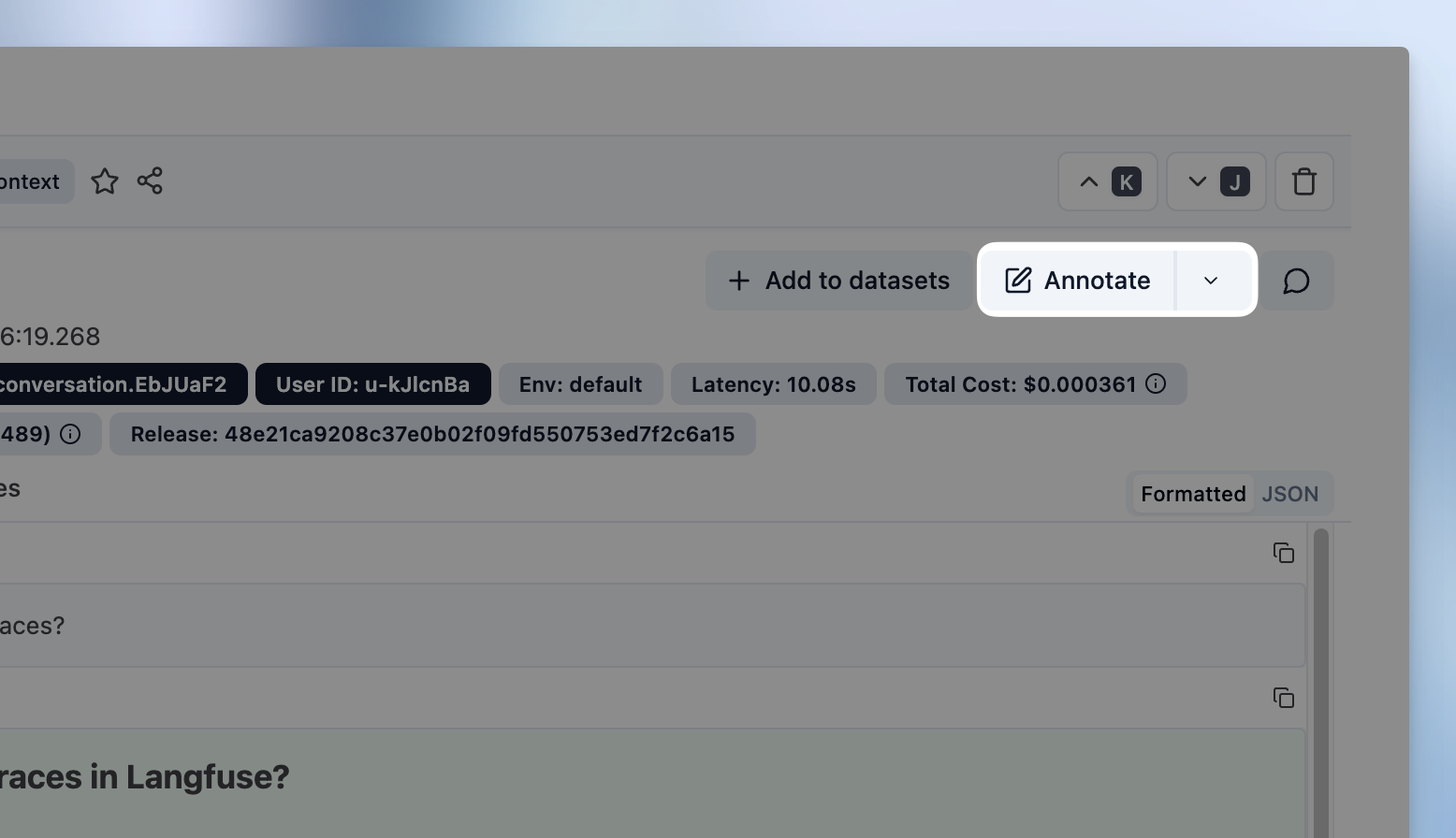
On a Trace, Session or Observation detail view click on `Annotate` to open the annotation form.
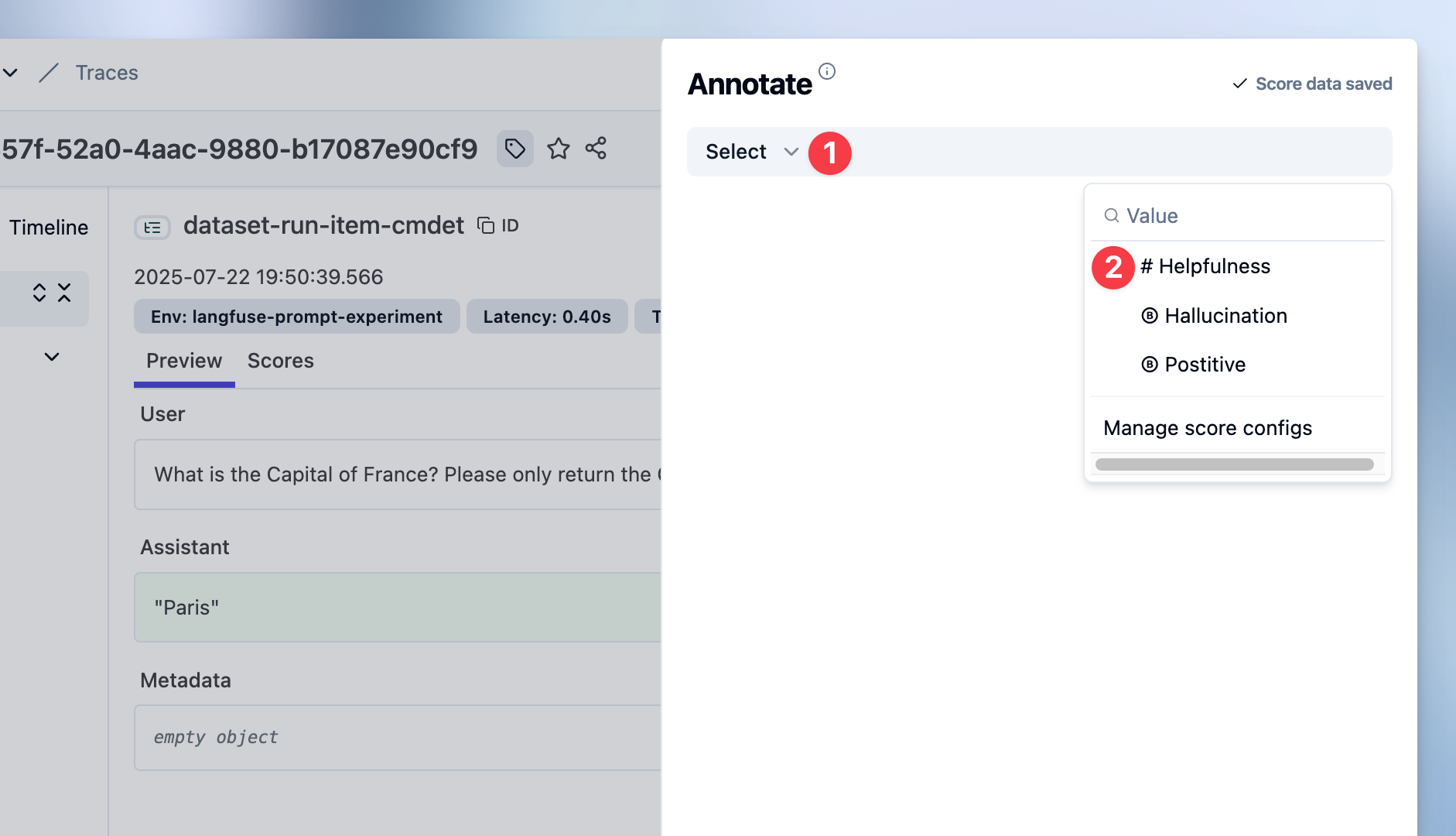
### Select Score Configs to use
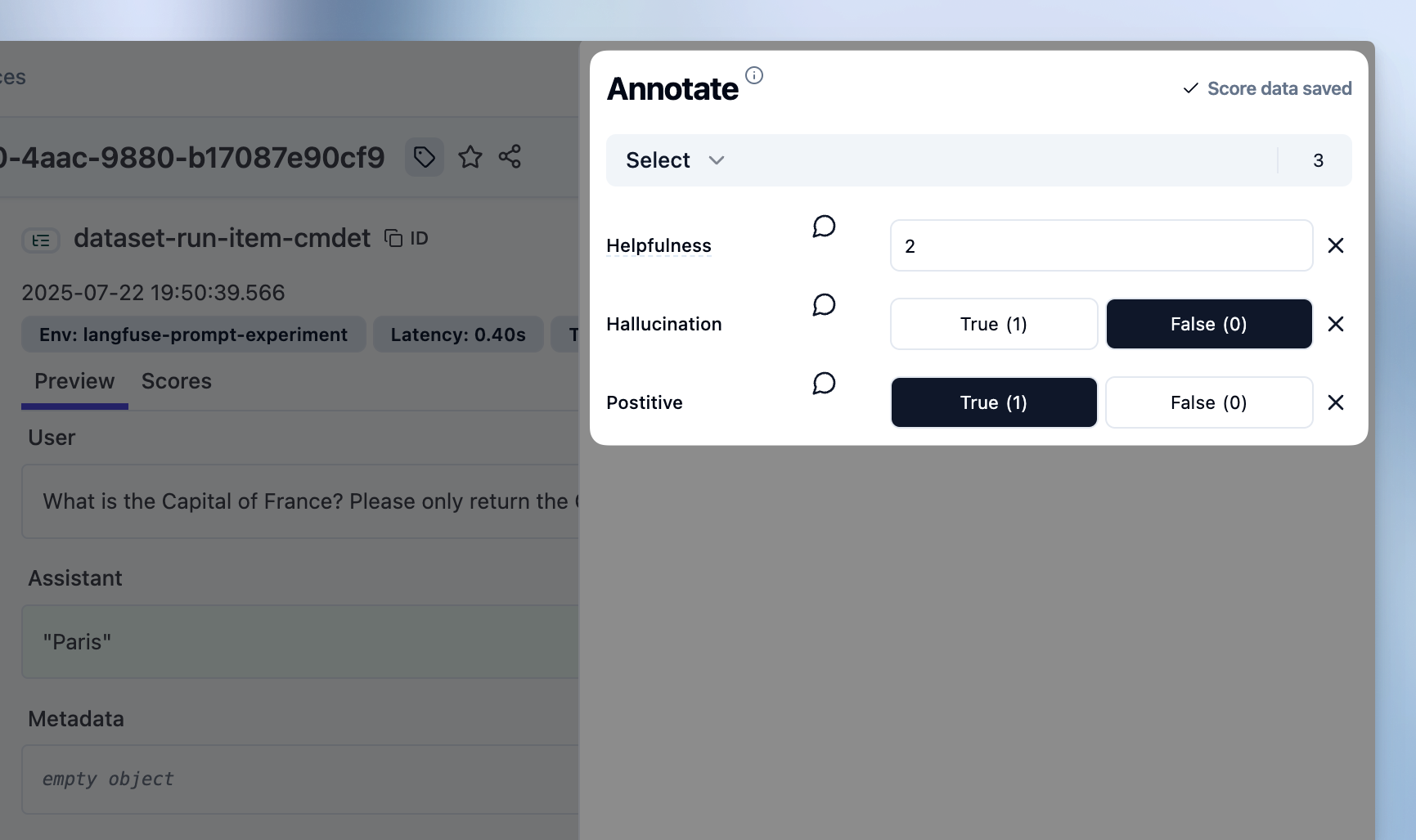
### Set Score values
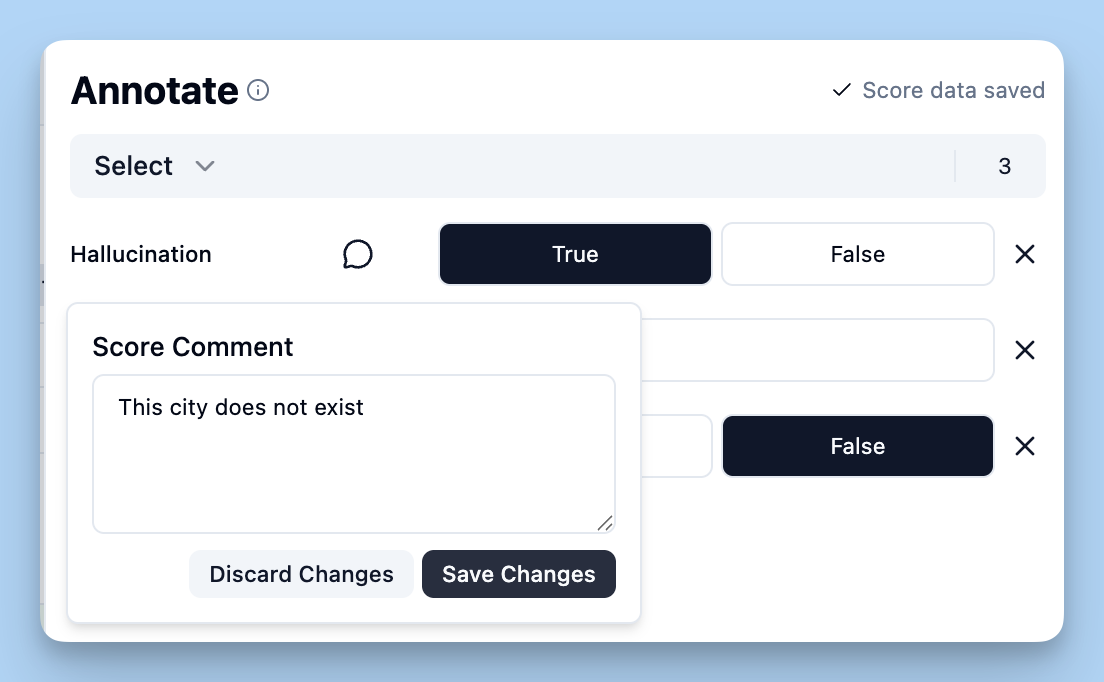
### Add score comment (Optional)
### See the Scores
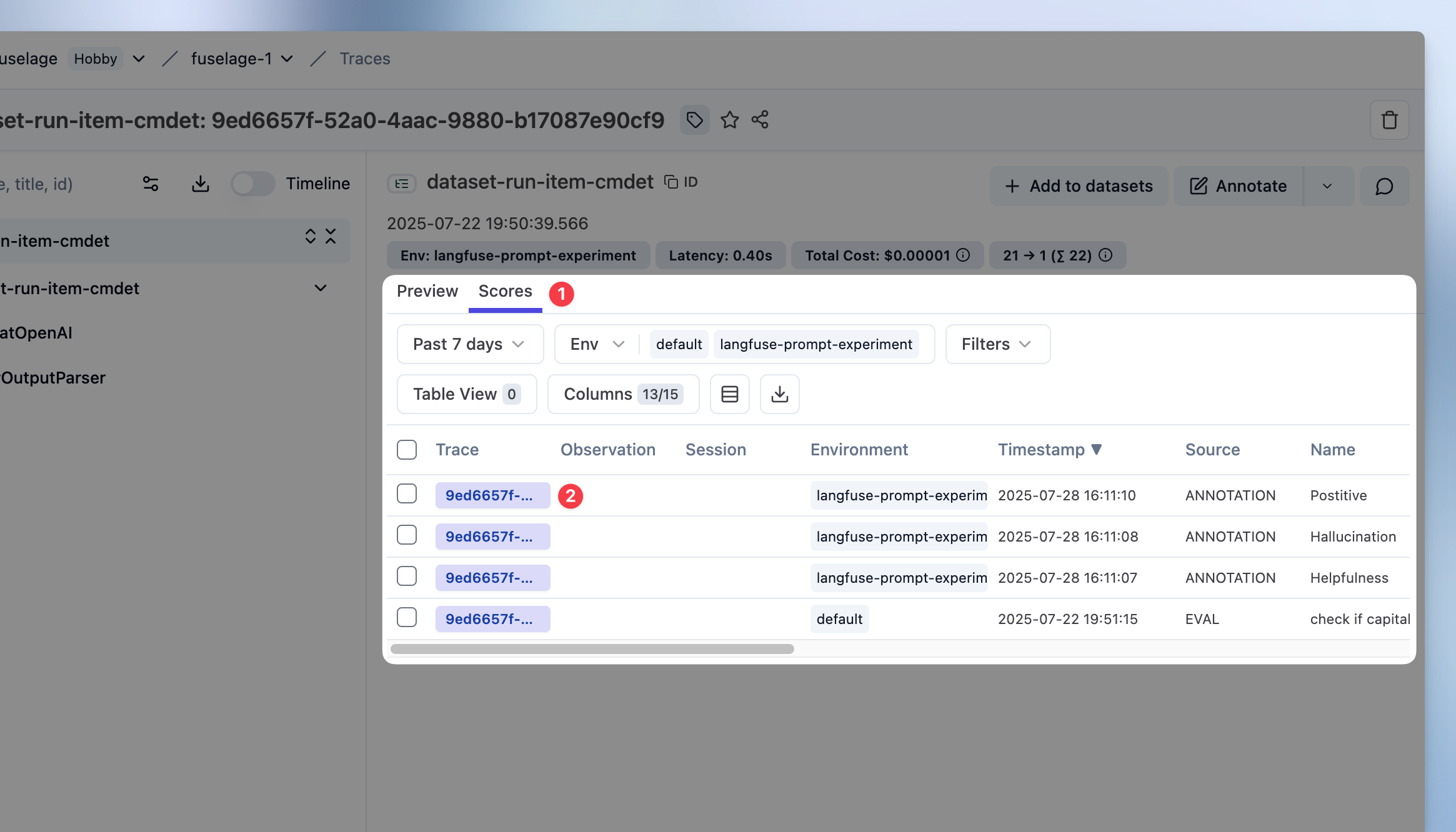
To see your newly added scores on traces or observations, **click on** the `Scores` tab on the trace or observation detail view.
## Add scores to experiments
When running [experiments via UI](/docs/evaluation/experiments/experiments-via-ui) or via [SDK](/docs/evaluation/experiments/experiments-via-sdk), you can annotate results directly from the experiment compare view.
**Prerequisites:**
- Set up [score configurations](/faq/all/manage-score-configs) for the dimensions you want to evaluate
- Execute an [experiment via UI](/docs/evaluation/experiments/experiments-via-ui) or [SDK](/docs/evaluation/experiments/experiments-via-sdk) to generate results to review

The compare view maintains full experiment context: Inputs, outputs, and automated scores, while you review each item. Summary metrics update as you add annotation scores, allowing you to track progress across the experiment.
## GitHub Discussions
---
## Agent Instructions
This page is part of the [Langfuse](https://langfuse.com) documentation, published as plain Markdown for AI agents. Every page is available as Markdown by appending `.md` to its URL, or by sending an `Accept: text/markdown` header. This page: `https://langfuse.com/docs/evaluation/evaluation-methods/scores-via-ui.md`.
### Querying these docs
If the answer is not on this page, query the documentation instead of guessing:
- **Semantic search** across all Langfuse docs, returning an answer with the relevant pages and excerpts. Ask a specific, self-contained question:
```bash
curl -sG "https://langfuse.com/api/search-docs" --data-urlencode "query=How do I trace a LangGraph agent?"
```
- **Index of every page**: , with per-section indexes [llms-docs.txt](https://langfuse.com/llms-docs.txt), [llms-integrations.txt](https://langfuse.com/llms-integrations.txt), and [llms-self-hosting.txt](https://langfuse.com/llms-self-hosting.txt).
### Before writing Langfuse code
- **Install the [Langfuse Agent Skill](https://langfuse.com/docs/api-and-data-platform/features/agent-skill).** It encodes Langfuse's own best practices for instrumentation, prompt management, and evaluation, and materially improves results.
- **Read [What does a good trace look like?](https://langfuse.com/docs/observability/best-practices.md)** before instrumenting an application.
- **Verify endpoints, parameters, and response fields** against the [API reference](https://api.reference.langfuse.com) instead of inferring them from code examples.
- **Use the [Langfuse CLI](https://langfuse.com/docs/api-and-data-platform/features/cli)** (`npx langfuse-cli api `) to read or write traces, prompts, datasets, and scores from the terminal.
Found an error in these docs? Please open an issue at .