---
title: n8n Node
sidebarTitle: n8n Node
description: Community-maintained n8n node that enables seamless integration of Langfuse prompt management capabilities into n8n workflows.
---
# n8n Node for Langfuse Prompt Management
The Langfuse n8n node enables seamless integration of [Langfuse's Prompt Management](/docs/prompts/get-started) with n8n workflows. This community-maintained node allows you to fetch and use prompts directly from your Langfuse project within n8n workflows.
> **What is n8n?** [n8n](https://github.com/n8n-io/n8n) is an open‑source, node‑based workflow automation platform that lets you visually connect and orchestrate APIs, apps, and data without writing full code.
**Langfuse Node in example n8n workflow:**
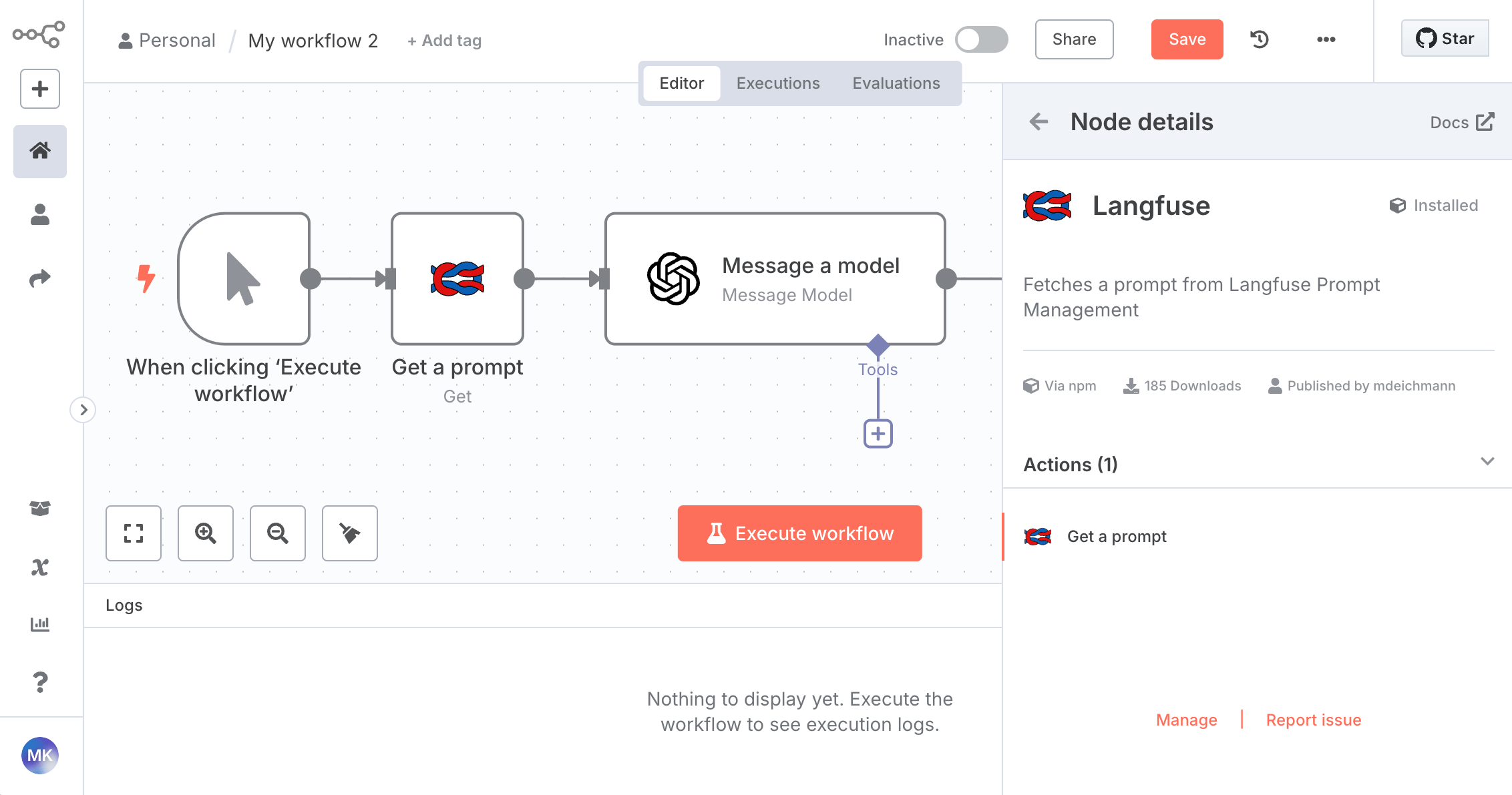
Interested in tracing of n8n workflows? Check out the [n8n/langfuse integration page](/integrations/no-code/n8n).
## Installation
Self-hosted n8n: Install via **Settings** > **Community Nodes** using package name: [`@langfuse/n8n-nodes-langfuse`](https://www.npmjs.com/package/@langfuse/n8n-nodes-langfuse)
n8n Cloud: Use the node directly in your workflows by searching for `Langfuse`.
## GitHub Readme
Source: [langfuse/n8n-nodes-langfuse](https://github.com/langfuse/n8n-nodes-langfuse)
---
## Agent Instructions
This page is part of the [Langfuse](https://langfuse.com) documentation, published as plain Markdown for AI agents. Every page is available as Markdown by appending `.md` to its URL, or by sending an `Accept: text/markdown` header. This page: `https://langfuse.com/docs/prompt-management/features/n8n-node.md`.
### Querying these docs
If the answer is not on this page, query the documentation instead of guessing:
- **Semantic search** across all Langfuse docs, returning an answer with the relevant pages and excerpts. Ask a specific, self-contained question:
```bash
curl -sG "https://langfuse.com/api/search-docs" --data-urlencode "query=How do I trace a LangGraph agent?"
```
- **Index of every page**: , with per-section indexes [llms-docs.txt](https://langfuse.com/llms-docs.txt), [llms-integrations.txt](https://langfuse.com/llms-integrations.txt), and [llms-self-hosting.txt](https://langfuse.com/llms-self-hosting.txt).
### Before writing Langfuse code
- **Install the [Langfuse Agent Skill](https://langfuse.com/docs/api-and-data-platform/features/agent-skill).** It encodes Langfuse's own best practices for instrumentation, prompt management, and evaluation, and materially improves results.
- **Read [What does a good trace look like?](https://langfuse.com/docs/observability/best-practices.md)** before instrumenting an application.
- **Verify endpoints, parameters, and response fields** against the [API reference](https://api.reference.langfuse.com) instead of inferring them from code examples.
- **Use the [Langfuse CLI](https://langfuse.com/docs/api-and-data-platform/features/cli)** (`npx langfuse-cli api `) to read or write traces, prompts, datasets, and scores from the terminal.
Found an error in these docs? Please open an issue at .