← Back to changelog Marc Klingen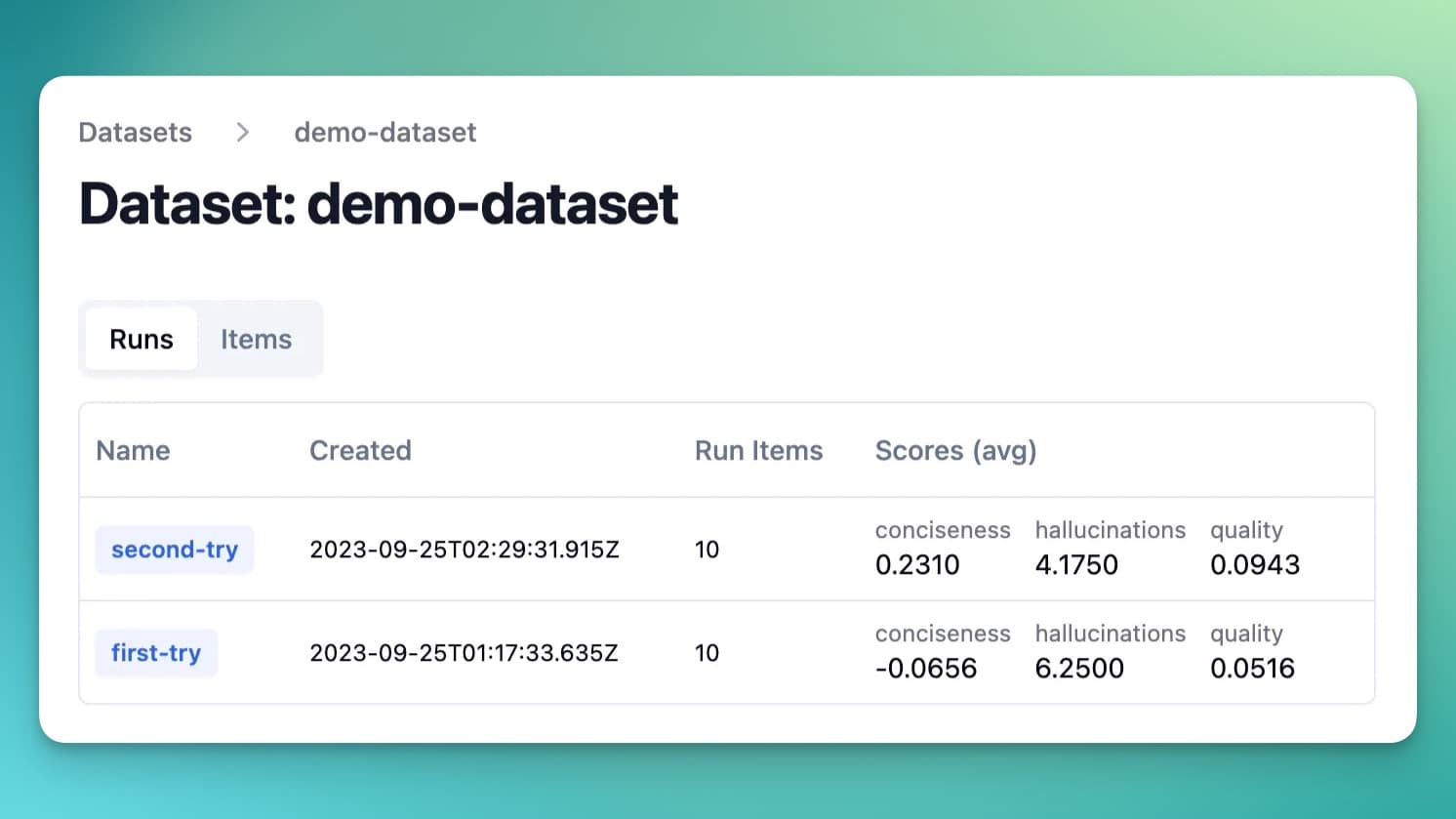
September 25, 2023
Datasets (beta)
Marc KlingenCollect sets of inputs and expected outputs in Langfuse to evaluate your LLM app. Use evaluations to benchmark different experiments.
Datasets are collections of inputs and expected outputs that you can manage in Langfuse. Upload an existing dataset or create one based on production data (e.g. when discovering new edge cases).
When combined with automated evals, Datasets in Langfuse make it easy to systematically evaluate new iterations of your LLM app.
Run experiment on dataset
dataset = langfuse.get_dataset("<dataset_name>")

for item in dataset.items:
    # execute application function and get Langfuse parent observation (span/generation/event, and other observation types: see /docs/observability/features/observation-types)
    # output also returned as it is used to evaluate the run
    generation, output = my_llm_application.run(item.input)

    # link the execution trace to the dataset item and give it a run_name
    item.link(generation, "<run_name>")

    # optionally, evaluate the output to compare different runs more easily
    generation.score(
        name="<example_eval>",
        # any float value
        value=my_eval_fn(
            item.input,
            output,
            item.expected_output
        )
    )
const dataset = await langfuse.getDataset("<dataset_name>");
for (const item of dataset.items) {
// execute application function and get Langfuse parent observation (span/generation/event, and other observation types: see /docs/observability/features/observation-types)
// output also returned as it is used to evaluate the run
const [generation, output] = await myLlmApplication.run(item.input);
// link the execution trace to the dataset item and give it a run_name
await item.link(generation, "<run_name>");
// optionally, evaluate the output to compare different runs more easily
generation.score({
name: "<score_name>",
value: myEvalFunction(item.input, output, item.expectedOutput),
});
}dataset = langfuse.get_dataset("<dataset_name>")
for item in dataset.items:
# Langchain callback handler that automatically links the execution trace to the dataset item
handler = item.get_langchain_handler(run_name="<run_name>")
# Execute application and pass custom handler
my_langchain_chain.run(item.input, callbacks=[handler])Update: Datasets are no longer in beta. They are part of Langfuse evaluation, with versioning, multi-modal items, and experiments via UI and SDK. See the datasets docs.
Links:
Was this page helpful?