Batch Add Observations to Datasets
 Hassieb Pakzad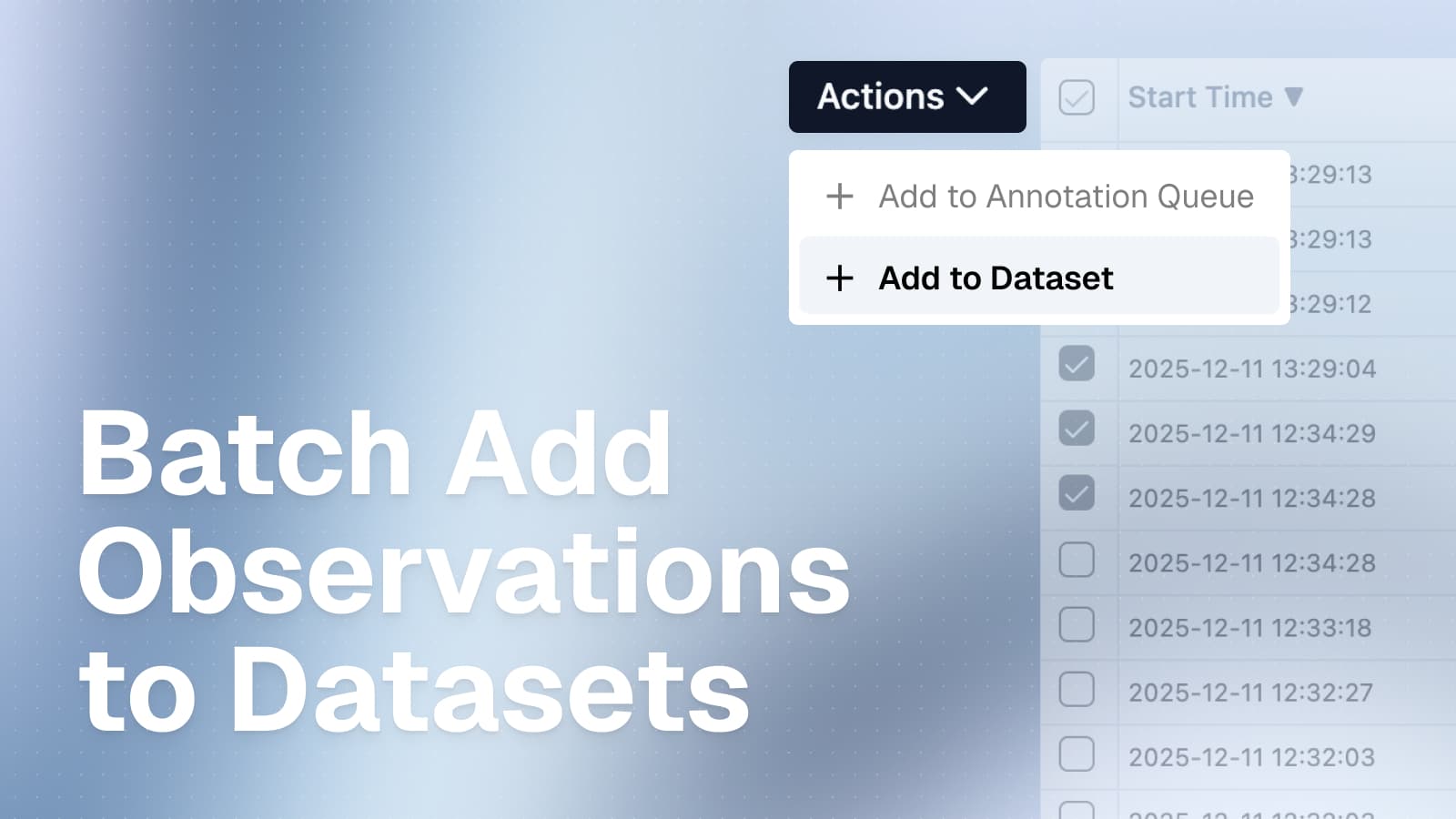
Select multiple observations from the observations table and add them to a new or existing dataset with flexible field mapping.
You can now bulk add observations to datasets directly from the observations table. This feature makes it easy to build test datasets from production data by selecting multiple observations and mapping their fields to dataset items.
How it works
- Navigate to the Observations table
- Use filters to find relevant observations (optional)
- Select Observations using the checkboxes
- Click Actions → Add to dataset
- Choose to create a new dataset or select an existing one
- Configure field mapping to control how observation data maps to dataset item fields
- Preview the mapping and confirm
Flexible field mapping
The field mapping system gives you control over how observation data is transformed into dataset items. You can use the entire field as-is (e.g., map the full observation input to the dataset item input), extract specific values using JSON path expressions or build custom objects from multiple fields.

Background processing
Batch operations run in the background, allowing you to continue working while observations are added to your dataset. You can monitor progress and view results in the batch actions settings page.
The system supports partial success - if some observations fail validation against a dataset schema, the valid ones are still added and errors are logged for review.