Inline Comments on Observation I/O
 Nimar Blume
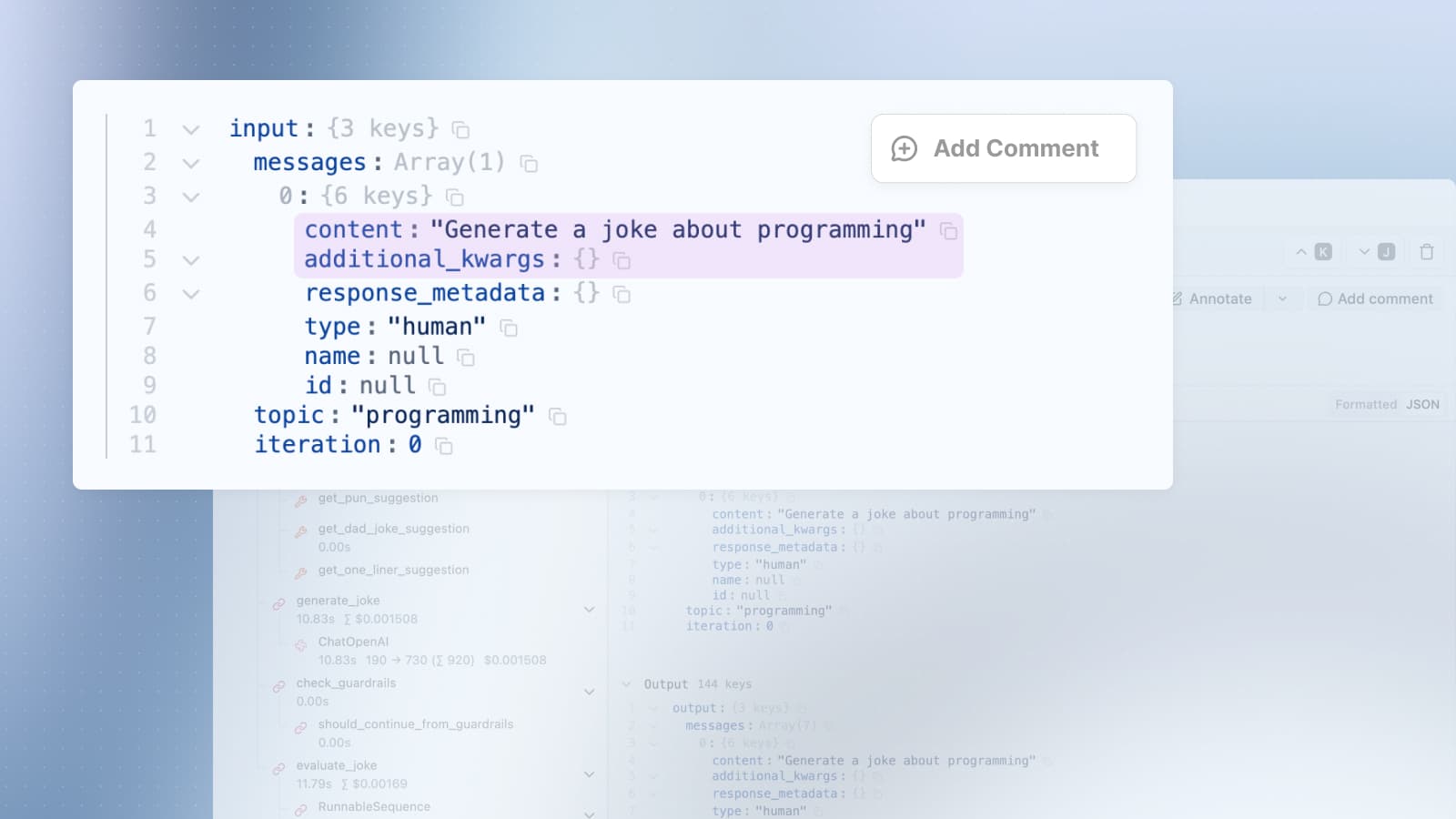
Anchor comments to specific text selections within trace and observation input, output, and metadata fields.
Like in e.g. Google Docs, you can now add comments on specific text within trace and observation data. Select text in input, output, or metadata fields, click the hovering comment button, and add your comment anchored to that selection.
Text specific comments make it easy to discuss parts of LLM responses and assign them to people via mentions.
This feature is available in the "JSON Beta" view only for now.
Trace view with the Raw, Optimized JSON view of the output. Select the text “600 requests per minute” and click “Comment”. In the comment box, @-tag your colleague, write the question and click “Comment”. Then add a reaction to the comment.