← Back to changelog Mark Salpeter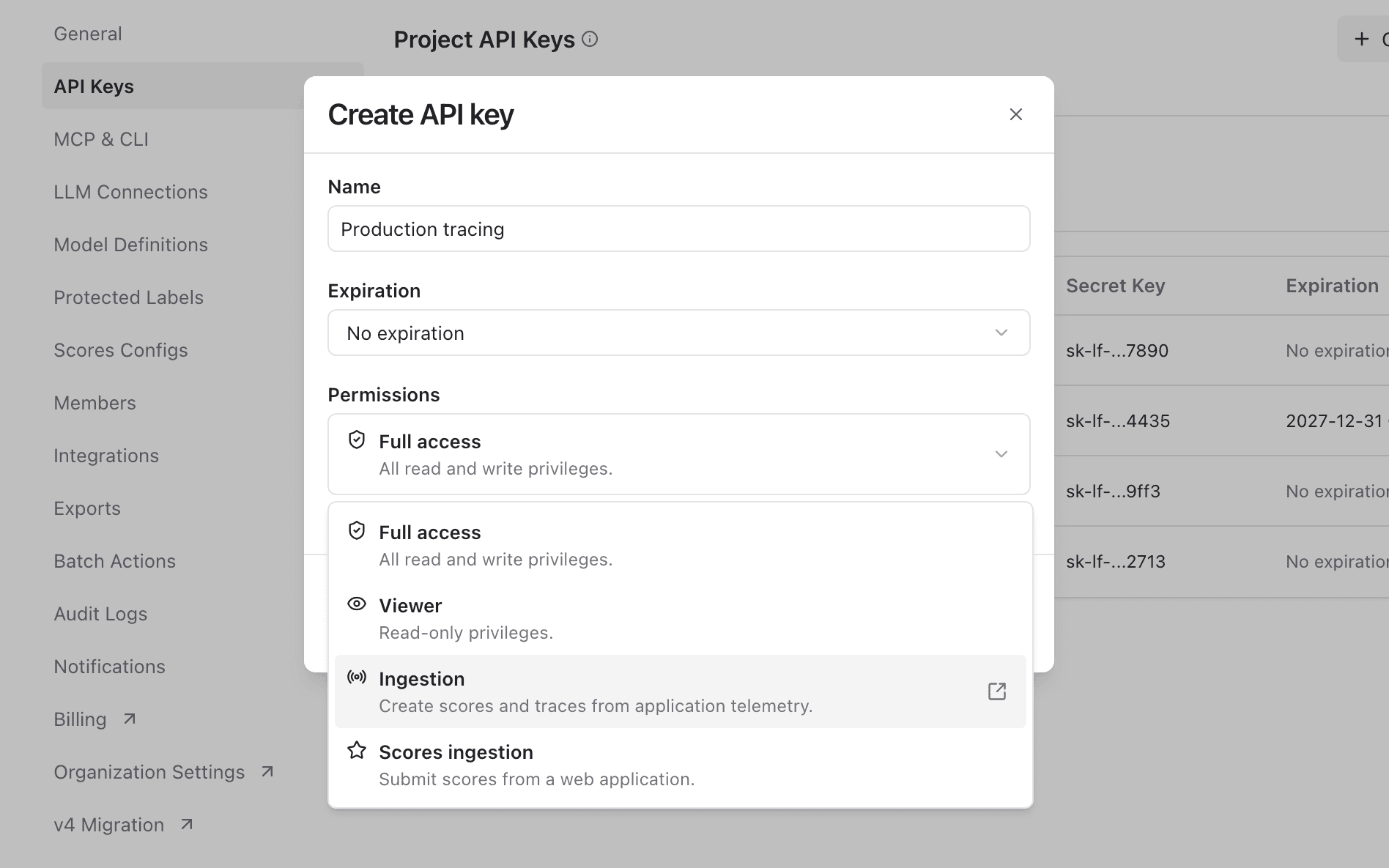
October 16, 2026
Limit what project API keys can do
Mark SalpeterChoose permissions when creating a project API key, so each integration gets only the access it needs.
When you create a project API key, you can now choose what it is allowed to do. Give each application a key with only the access it needs, so a leaked key exposes less.
- Instrument an application with an Ingestion key that can send traces and scores but cannot read your traces, prompts, or datasets.
- Collect user feedback from a web app with a Scores ingestion key that can only submit scores.
- Power a reporting script or dashboard with a Viewer key that has read-only access.
Get started
Open Project Settings → API Keys, click Create new API keys, and choose under Permissions:
| Permissions | Access |
|---|---|
| Full access | All read and write privileges within the project. |
| Viewer | Read-only access to the project's data. |
| Ingestion | Create traces, scores, and media from application telemetry. |
| Scores ingestion | Submit scores only, for example from a web application. |
Existing keys keep the access they have today.
Was this page helpful?