Langfuse CLI
 Nimar Blume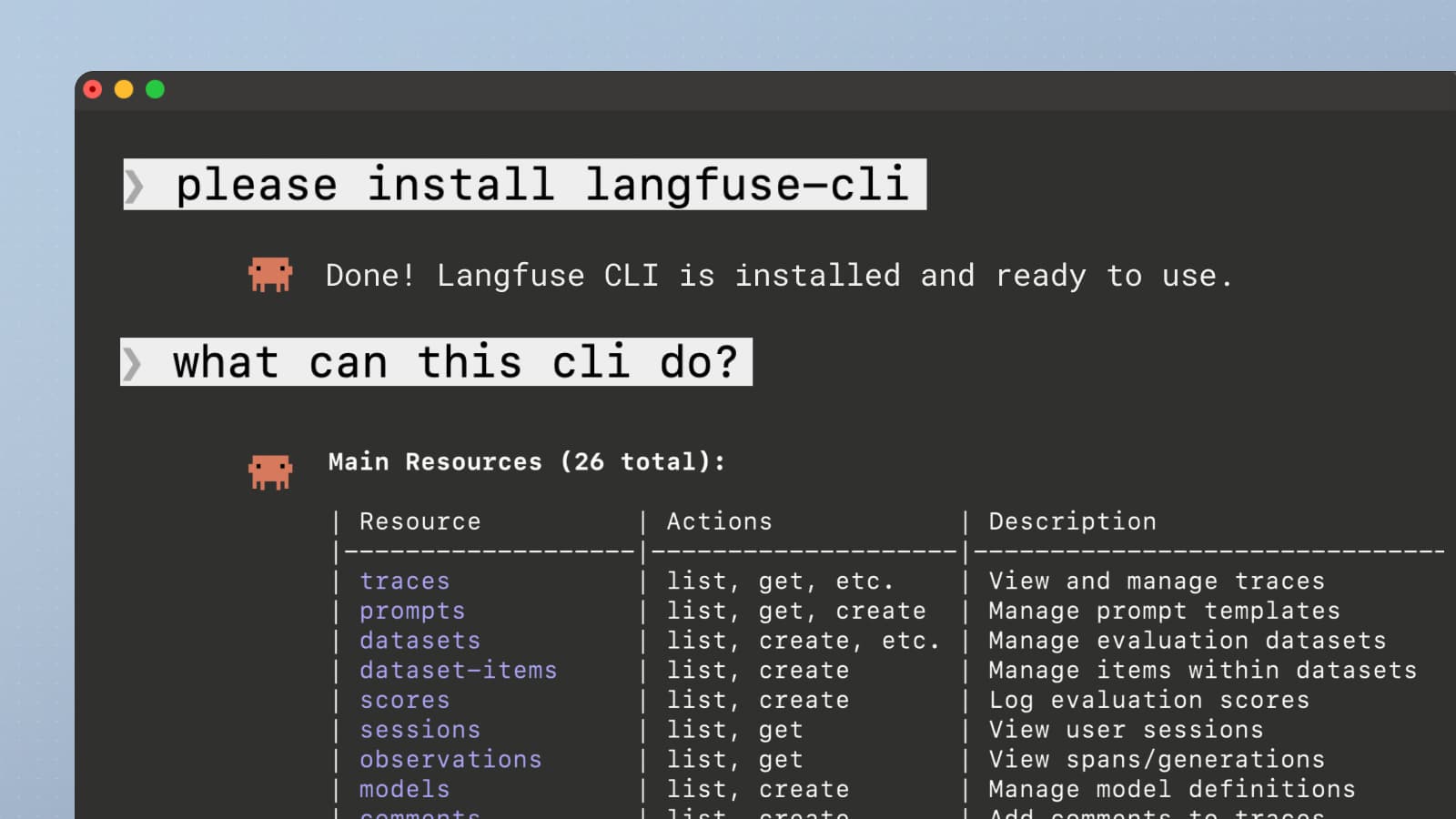
Fully use Langfuse from the CLI. Built for AI agents and power users.
AI agents do real work in terminals, writing code, debugging, querying APIs. As part of our effort to make agents fall in love with Langfuse, we built a CLI that wraps the entire Langfuse API so agents (and humans) can interact with Langfuse directly.
Read the full documentation in the dedicated CLI GitHub Repo.
Get started
Get started by running:
npx @langfuse/cli api <resource> <action>Or just ask your coding agent to do it for you:
please install @langfuse/cliWhat it can do
The CLI covers all functionality exposed via our APIs, you can get traces, observations, update prompts or create datasets and more.
It dynamically wraps our full OpenAPI spec, so every endpoint (traces, prompts, datasets, scores, sessions, metrics, and more) is available as a CLI command. See the full API Reference for details.
Why use it
- Let your coding agent manage Langfuse for you. Cursor, Claude Code, Windsurf, etc. can use the CLI to create datasets, pull traces, update prompts, and more without you leaving the editor.
- Script your workflows. Automate repetitive tasks like exporting traces, batch-scoring, or syncing prompts across environments in CI/CD or bash scripts.
- Faster than the UI for quick lookups. Grab the last 5 traces, check a prompt version, or list scores in seconds.
Discovery & Usage
Progressive disclosure built in. Start broad, drill down:
langfuse api help                     # List all resources
langfuse api prompts --help           # List actions for prompts
langfuse api prompts create --help    # Show flags for create

langfuse api traces list --limit 10
langfuse api prompts get --name my-prompt
langfuse api traces list --limit 5 --curl  # Preview curl without executing
26 resources supported: traces, prompts, datasets, scores, metrics, annotation queues, and more.
Authentication
Pass an --env .env file to load your API key from a file. Alternatively, export the relevant variables:
export LANGFUSE_PUBLIC_KEY=pk-lf-...
export LANGFUSE_SECRET_KEY=sk-lf-...
export LANGFUSE_BASE_URL=https://cloud.langfuse.com  # default, supports self-hosted
Pairs with Agent Skills
The CLI is designed to work together with our Agent Skills. The main Langfuse skill teaches agents how to discover endpoints, follow common workflows, and access documentation, all through the CLI. Read more about Skills and the full agent story in the blog post.